R Scripts

Nicky Wakim

What is an R script?

R script

An R script is a document that can hold your code, comments, and outputs

  • Unlike the console, we can save our work in an R script and come back to it later
  • Think of this like a very basic Word or Google document file
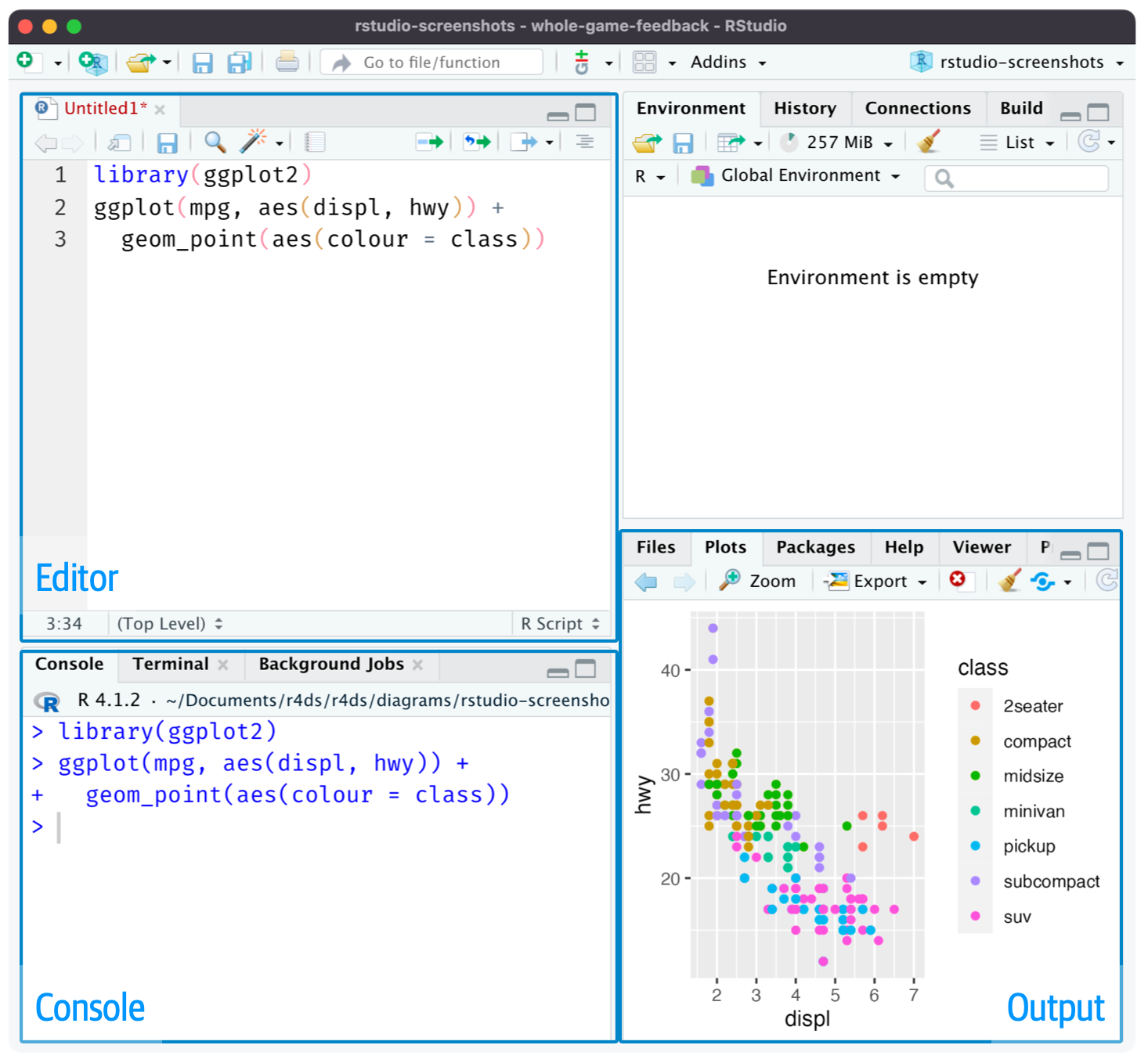
How to create an R script?

Create a new R script by going to File > New File > R Script

Create a new R script by clicking New File icon in the toolbar and selecting R Script

How to run code in an R script?

  1. Highlighting the code and clicking the Run button in the toolbar
  2. Highlighting the code and Ctrl + Enter (Windows) or Cmd + Enter (Mac)
  3. Placing the cursor on the line of code and clicking the Run button in the toolbar
  4. Placing the cursor on the line of code and Ctrl + Enter (Windows) or Cmd + Enter (Mac)

Saving an R script

  1. Go to File > Save or Save As
  2. Click the Save icon in the toolbar
  3. Click the Save icon in the Editor